Reading comics as two-page spreads on a foldable phone
Comic artists draw for the open book: two facing pages, a spine down the middle, and big moments that stretch across both. On a phone you usually get one cramped page at a time. A foldable phone changes that, as long as the reader treats the hinge like a spine.
1. Bring your comics in
Foldpage opens CBZ comics, PDFs and DRM-free EPUB ebooks. Save them to Files, from your computer, a download or AirDrop, then tap Import in Foldpage. Everything stays on your phone, and your progress and bookmarks follow you through your own iCloud.
2. Open the phone like a book
Unfold the phone and hold it like a paperback. Foldpage lays out real spreads: the cover sits alone on the right, the way a printed book opens, and every pair after it faces each other across the hinge.
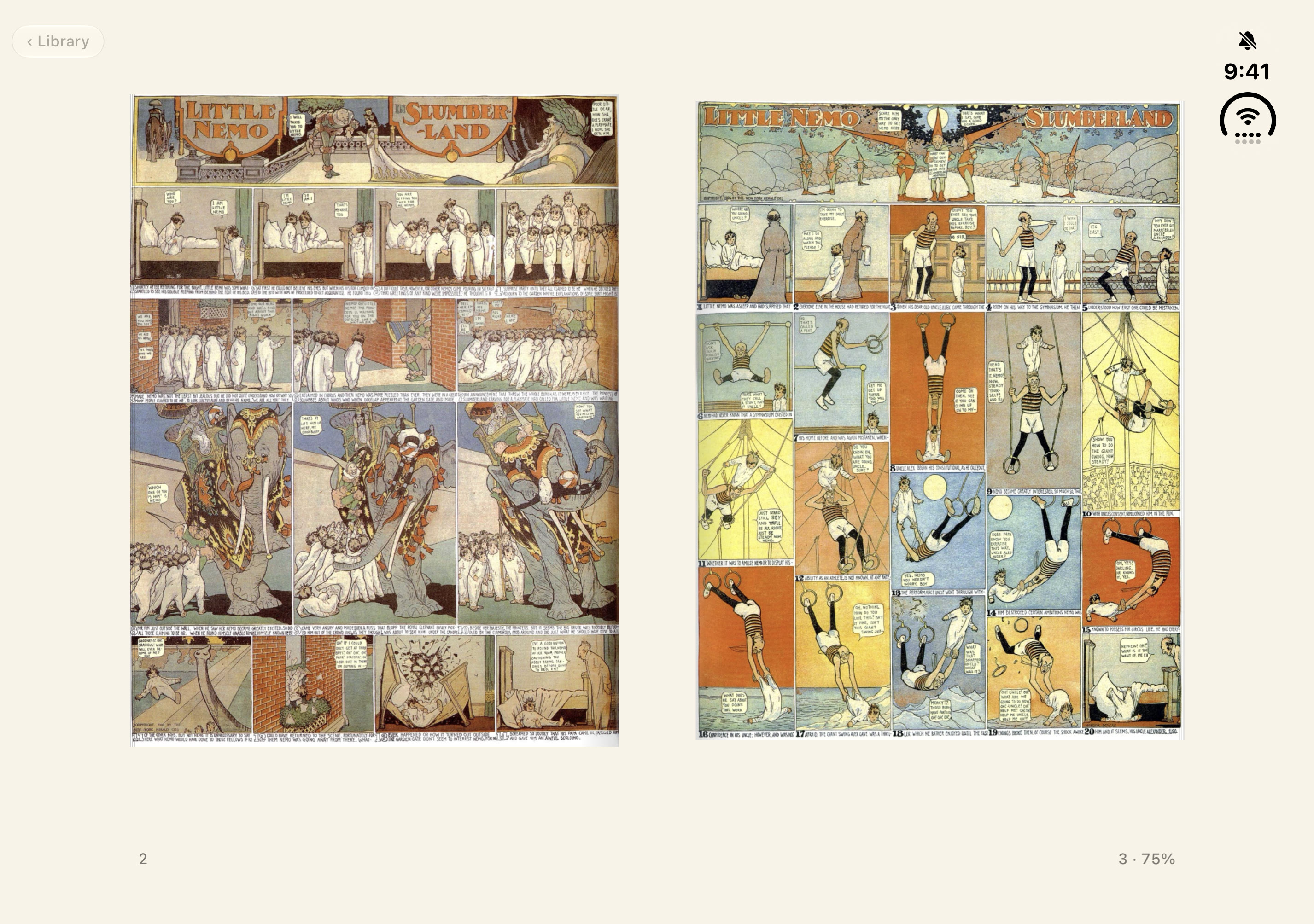
3. Let the pages breathe
Reading view hides every control until you tap the middle of the page. Tap the outer edges or swipe to turn, and the page curls over like paper. Pinch or double-tap to zoom into a panel, and choose Fit width in the reader settings for dense pages.
4. Pick a paper that suits the room
White, paper, sepia and night themes change the page around the art. Warm mode, a brightness lock and a contrast slider help on long sessions or late at night.
5. Reading manga
Foldpage Pro adds right-to-left mode, so manga reads and curls from the left the way it was printed.
Ebooks too
DRM-free EPUB books flow across both pages. Pick the font, text size, line spacing and margins, or switch Book design between the book's original look and a clean layout.
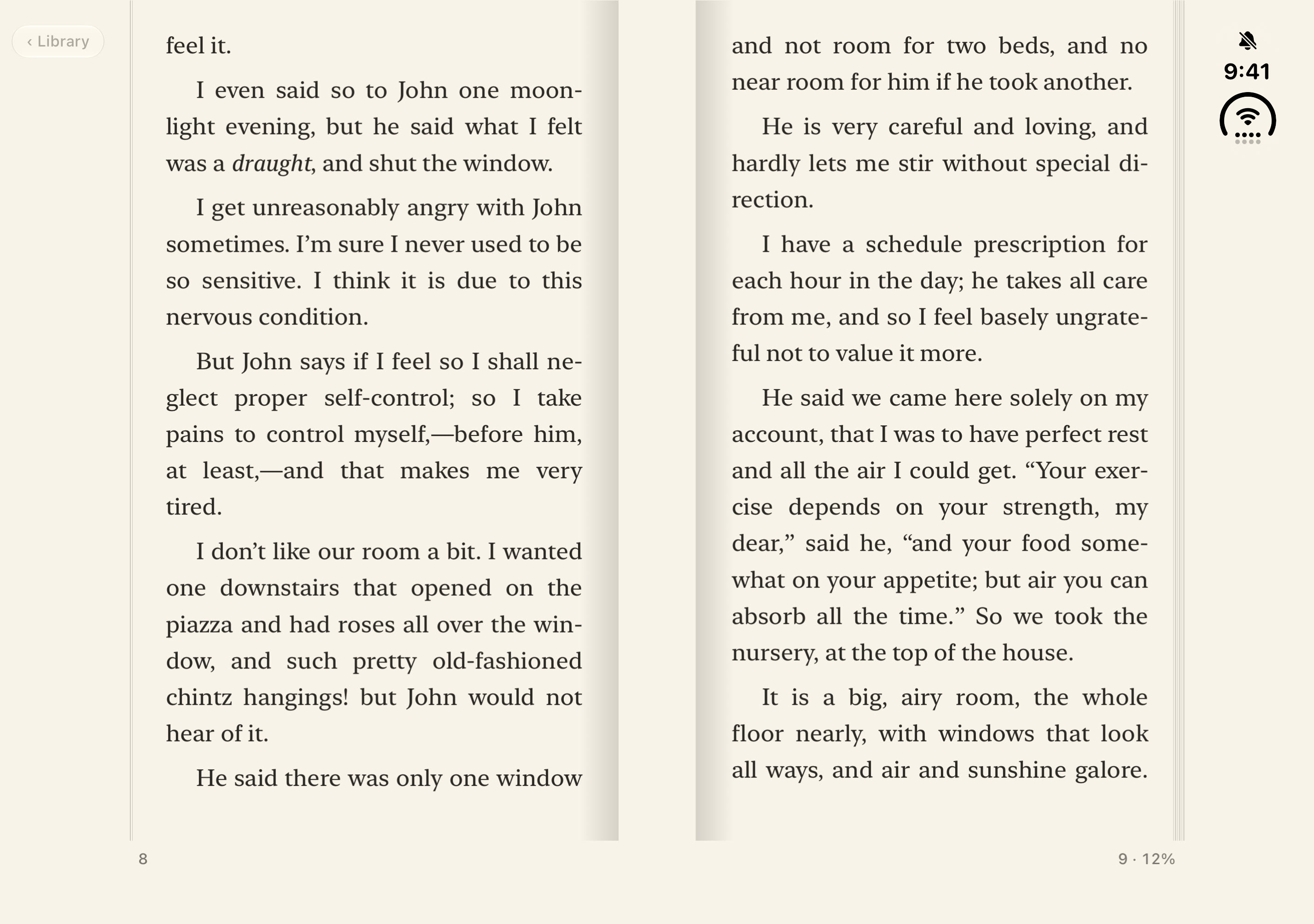
Foldpage is free to start, with a library of 10 books included.
Download on theApp Store